
The iPad in 2026
It looks like it will be a great year for the iPad.

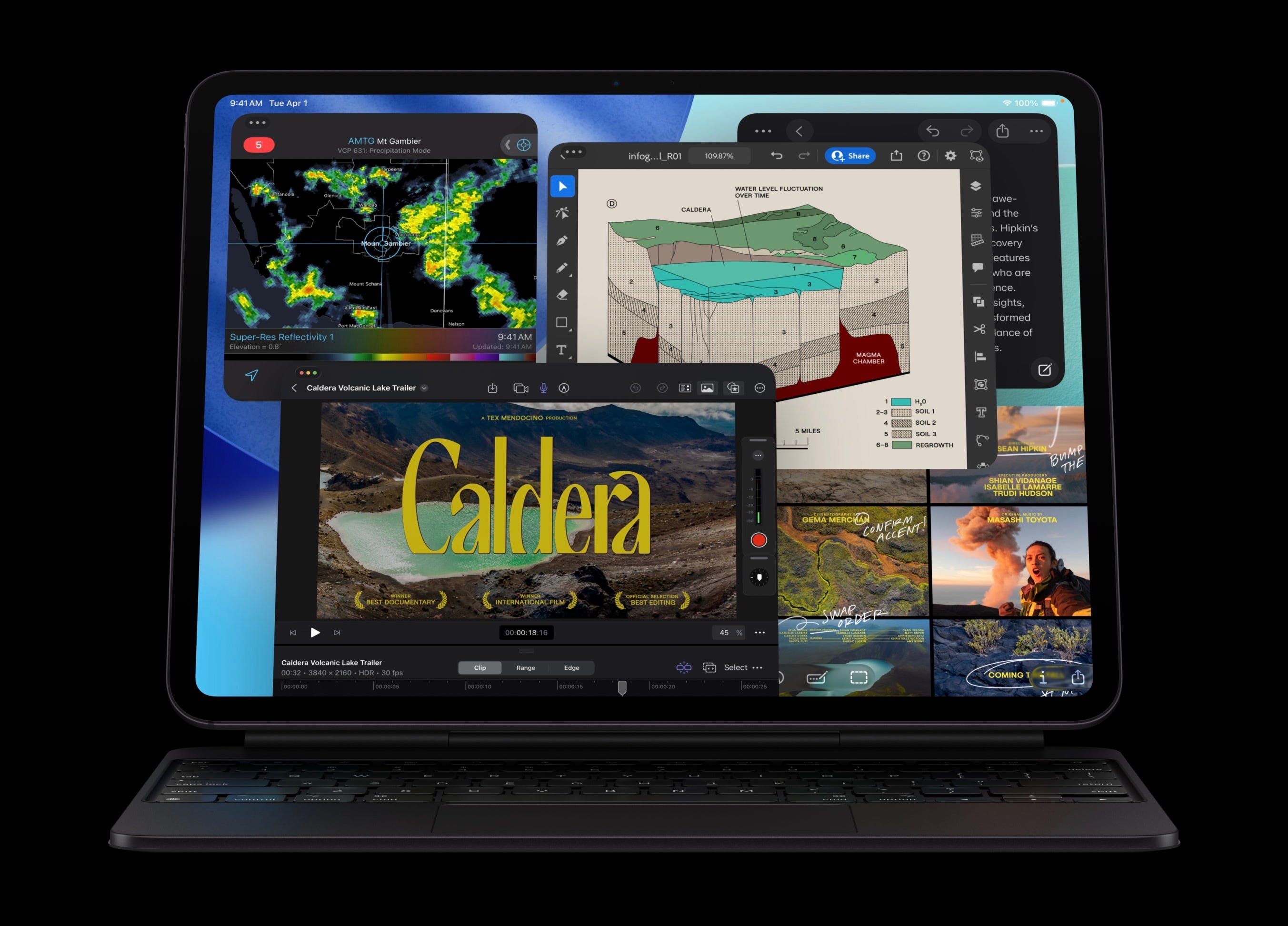
Hello all, I hope you enjoyed the holiday break and had a very blessed Christmas and New Year! I’m back to work writing, and I’m excited and ready to kick off the new year of tech and iPad-oriented content!
It’s a new year, and the iPad and iPadOS 26 already appear ready for a few more big steps forward. While it’s still early, there are several already rumored or officially announced software improvements coming that I’m excited about. I wanted to briefly touch on a few of those changes.
While this year’s iPad software improvements are largely unknown, there are a few that already sound very promising.
Apple Intelligence Improvements
Early this year, Apple Intelligence’s biggest features are rumored to be dropping potentially as soon as OS version 26.4. These would include features oriented around a user’s “personal context”, and would make Apple Intelligence and Siri far more capable, likely also integrating with a greatly enhanced App Intents system so Siri and Apple Intelligence will be able to take more actions for users within apps. For those who may not know what App Intents are, they are the underlying framework for Siri Shortcuts to take actions within apps. Developers expose these actions from their apps to Siri with the App Intents framework. An expanded App Intents framework and more capable Siri/Apple Intelligence could be a major boon for device automation.
I already use such Siri Shortcuts automations on a regular basis for streamlining my workflow. For example, one Siri Shortcut I use lives in my Control Center (being able to add Siri Shortcuts to the Control Center is still my absolute favorite improvement from iPadOS and iOS 18), and when I click or tap it, it displays a list of selected contacts that I can quickly call without manually needing to open the Phone app. And with the Phone app now available on the iPad with iPadOS 26, this proves surprisingly useful.
This expansion of the App Intents system was already officially announced to be coming in iPadOS 26 at WWDC25. We’ve already seen some new actions in Siri Shortcuts, but it seems very likely we’ll see many more coming in future updates. Siri Shortcuts unlock a ton of power and utility in iPadOS, and a major expansion on the App Intents system could make a huge difference for automation on the iPad! Perhaps Apple will even add Shortcuts actions for automating the new multi-windowing system, allowing users to open a four-way Split View of pre-determined apps with a Siri Shortcut. A Siri Shortcut action like this could have some interesting uses.
As someone who enjoys tinkering and experimenting with Shortcuts, I’m excited to see what improvements and new Siri Shortcut actions we’ll see this year.
Beyond that expanded App Intents system, the inclusion of Personal Context for on-device Apple Intelligence AI models has the potential to be absolutely revolutionary for productivity workflows. I’m excited to test these features out when they drop and see how they may impact my workflow.
Two New iPad Apps
There are also two apps already announced to be coming to the iPad this year that I’m very excited about. One is the iPad version of the brand-new Affinity app, which combines the features of Photo, Designer, and Publisher into a single app. The iPad version of the app was said to be coming early this year. While the Mac version is good, I’m really anticipating the iPad version, as I’ve traditionally preferred the iPad versions of Affinity over the Mac versions. So many things are more efficient for me on the iPad version. Projects are easy to view before opening with the iPad’s gallery-style project switching vs the Mac version’s tab-based system that makes it impossible to preview a project before opening it. Projects are also far simpler and easier to duplicate on the iPad versions. Something that is still incredibly complicated on the desktop version of Affinity. I’m hoping the iPad version of the new unified Affinity app will retain these advantages, and I’m fairly confident it will. So I will be really interested in trying it out as soon as it drops for the iPad.
Another app I’m excited about is Blender. Blender officially announced an iPad version is in development, and that will also likely roll out this year. I have tinkered a bit with Blender on the Mac, but barely ever use it due to its unintuitive UI design. Apps like Nomad Sculpt and Valence 3D are so much more efficient and intuitive, and so I have never really felt the urge to use Blender. But the iPad version of Blender will introduce a more refined and more intuitive new UI design, which will also largely be coming to the desktop as well. A new UI that’s more efficient for quick access to commonly used tools could go a long way toward moving parts of my 3D workflow into Blender. And since the iPad version of Blender will be a full desktop-class version of Blender, it will also likely include some features that aren’t currently available in Nomad Sculpt and Valence 3D. It will be interesting to see how the iPad version of Blender might fit into my 3D workflow, and I’m excited to document my first experiences with it when it drops hopefully later this year.
Conclusion
There is much we still don’t know about the next year of software for the iPad, such as what features iPadOS 27 may have to offer, but the things we do know and that are rumored to be coming look very promising. 2025 was a big year for the iPad, bringing enhanced mac-style multi-windowing, while incorporating traditional iPadOS multitasking features like Slide Over, providing features in the iPad’s multi-windowing system that the Mac doesn’t even have. iPadOS 26 demonstrates the way iPadOS can incorporate features and functionality from macOS while retaining the optimizations that make it a more intuitive system, and better suited for a tablet. The iPad’s future is bright! Here’s to another year for the iPad!